We analyzed the ASUS RoG Aura Terminal lighting control system that allows the management of up to four RGB LED strips and Halo ambient lighting.
The fever for RGB is at its highest point and we have already seen the power cables with this type of lighting and even chairs that have RGB LED lighting. To control external LED strips and other elements, ASUS has developed the ASUS RoG Aura Terminal that allows controlling up to four RGB lighting channels that allow the configuration of a lighting system using strips that adapts to the lighting in games as it is running.
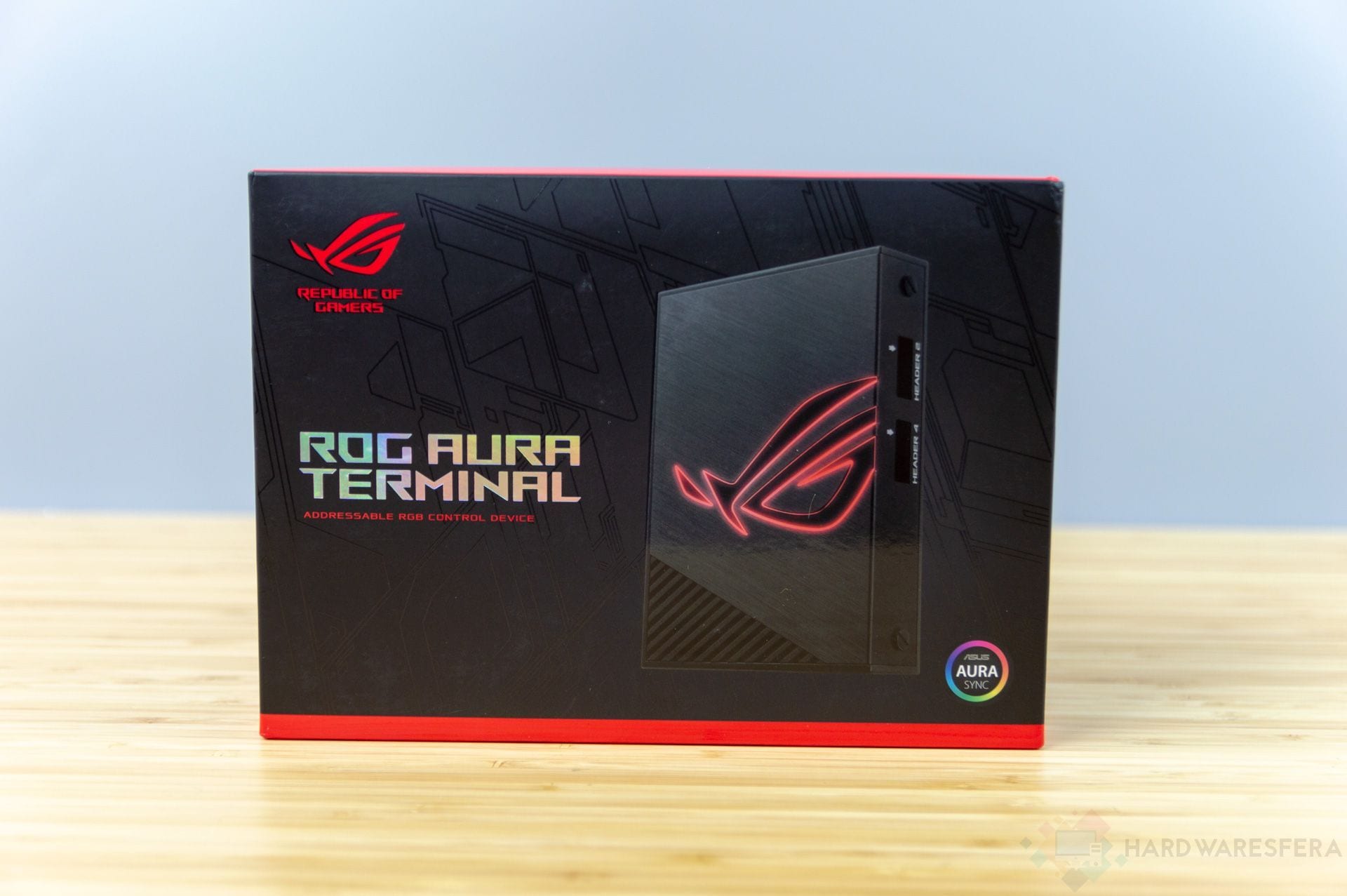

The packaging is quite simple in terms of design, respecting the shapes and colors that usually accompany Republic of Gamers products and which also has the mission of protecting this device. The box is made of high quality cardboard that will keep our device safe. Inside we can find the following elements:
- The ASUS RoG Aura Terminal Driver
- Three 120cm extension cables
- Two 30cm RGB LED strips with 15 LEDs on each strip
- One 60cm RGB LED strip with 30 LEDs on the strip
- A microUSB cable to USB 2.0 header
- A microUSB to USB 2.0 Type-A cable
- One 45W current transformer
- One DC-in to four-pin Molex cable
- A quick start guide
- Two RoG clamps
- A sticker with the ASUS RoG logo
ASUS has developed an RGB control system that will allow the control and management of up to four RGB LED strips in a very comfortable way, something that is more than enough to develop a completely customized lighting system. Through the four channels, up to 210 LEDs can be managed and a maximum of 90 LEDs in each of the four strips that we want to install. We must bear in mind that if we mount more than two ELD strips, the maximum supported of 90 LEDs per strip cannot be achieved. The RoG logo also lights up and is part of the lighting package.


Really long extension cables are included, which allows the LED strips to be installed wherever we want it to be quite simple, something that is an advantage for the ASUS device on the part of the competition devices, which do not offer the extensions.
This chassis has been made of aluminum that has a brushed finish that looks spectacular and also makes it very resistant to shocks. Holes have also been implemented that allow us to install it in a 2.5-inch hard drive bay.


We can fully manage the device and the lighting through ASUS Aura Sync, a tool that has a simple and intuitive interface that is very simple to use. The software allows us to manage up to 16.8 million colors in addition to various lighting effects.
It has a customization mode that allows independent lighting in each of the diodes. It can be connected directly to the motherboard through the special connector of the USB 2.0 port or through the standard port. The configuration is stored in the internal memory of the ASUS RoG Aura Terminal so even if we disconnect it from the motherboard or connect it to another motherboard, with only power through the power supply or the power adapter, the configuration remains .


It has not only been designed to manage LED strips inside the chassis, it has also been designed as a solution to manage RGB LED strips on the back of the monitor, something that can be done using Halo technology that simulates the action of the screen in our wall or the surface that we have behind the screen. The Halo experience offers us a very natural and immersive lighting experience compared to a desk lamp or dim lights.
Halo is software-driven and relies on data flowing between the GPU and the display with sequence analysis that enables more accurate color reproduction using the included RGB strips.


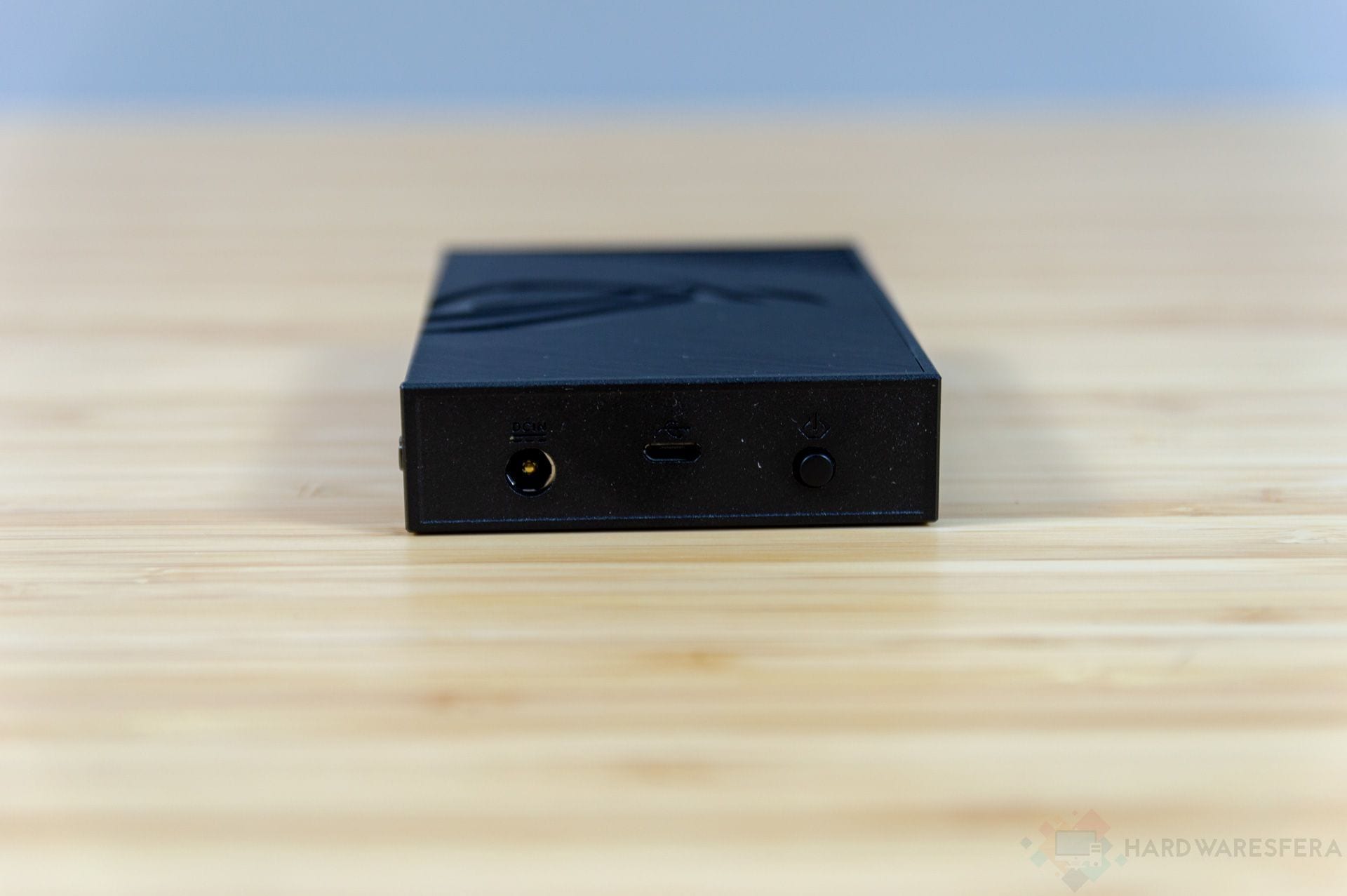


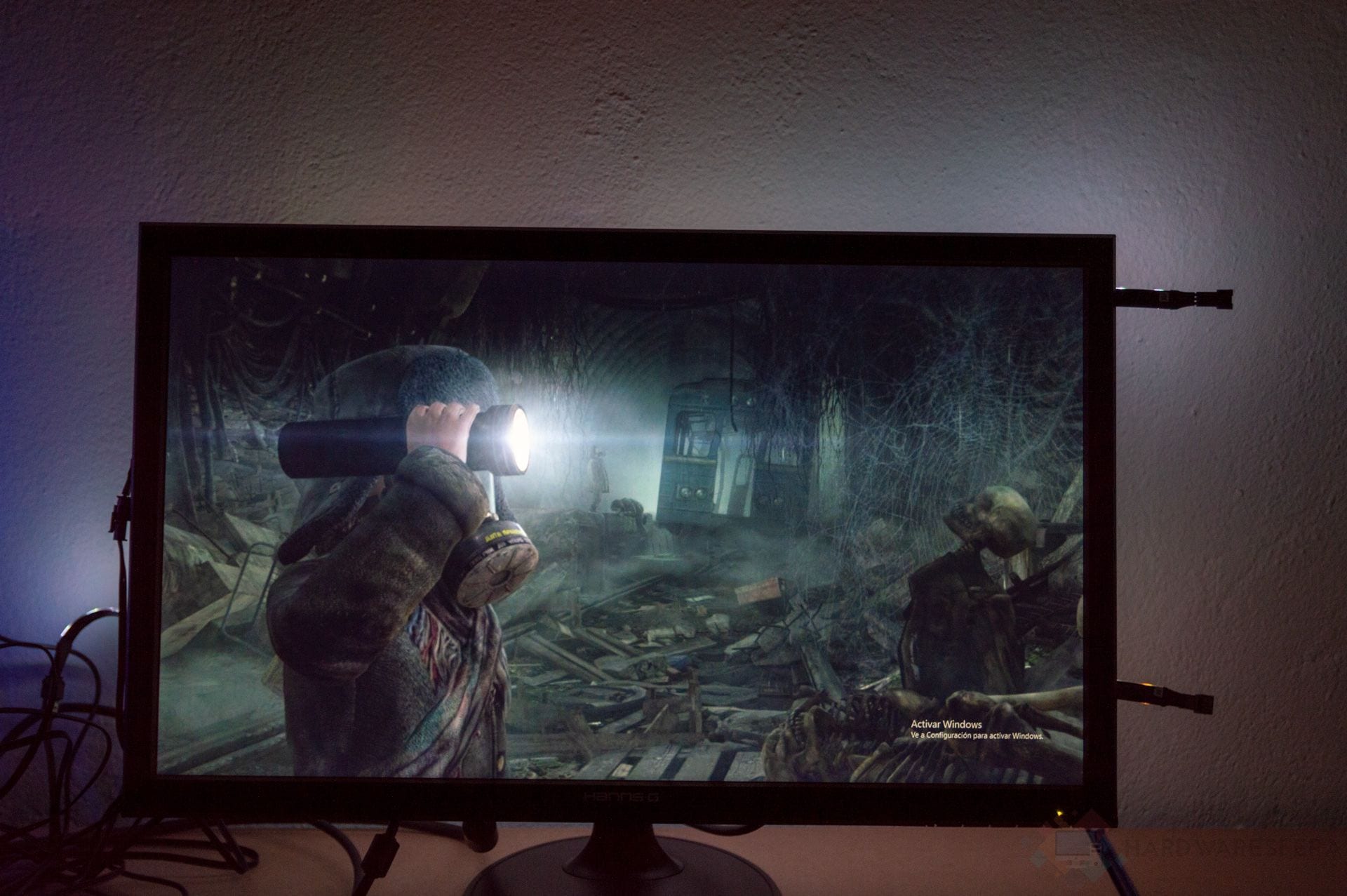


Regarding the ASUS RoG Aura Terminal, we must emphasize that it has an interesting design and is very easy to use, although it is not an open system and requires a centralized use based on ASUS software, it reduces possibilities although it is true that once programmed and configured we can use it independently without other intermediate devices. It offers compatibility with a large number of LEDs that makes it very interesting and the Halo function is really spectacular.
 |

|